ApliCAD CTE HULC

ApliCAD presents the plug-in information exchange between Autodesk REVIT and HULC.

The appearance of the Technical Building Code known as CTE has been one of the most important changes in recent years and reinforces the need to perform any type of activity in a way that is environmentally friendly.

The use of this plug-in is the easiest way to obtain the certification of the building designed with Autodesk REVIT.

ApliCAD has developed in recent years the Export plugin from Autodesk Revit to LIDER, so with regulatory changes and appearance of the HULC program it is necessary to adapt the export plugin to the new application.

Information

With ApliCAD CTE HULC the tedious task of drawing the geometry and assigning materials to the different layers of the architectural solutions of any building becomes easier.

As it is drawn in Autodesk Revit, the solution of the different meetings, the collaboration with other departments of the Office, or just the simple fact of having functions such as the Undo make easier the process of energy certification of the building.

Even in cases where the energy certification of an already constructed building is involved, it is easier to “lift” the building in Revit to pass it to HULC for calculation.

Compatible with Revit 2019 and higher
Features

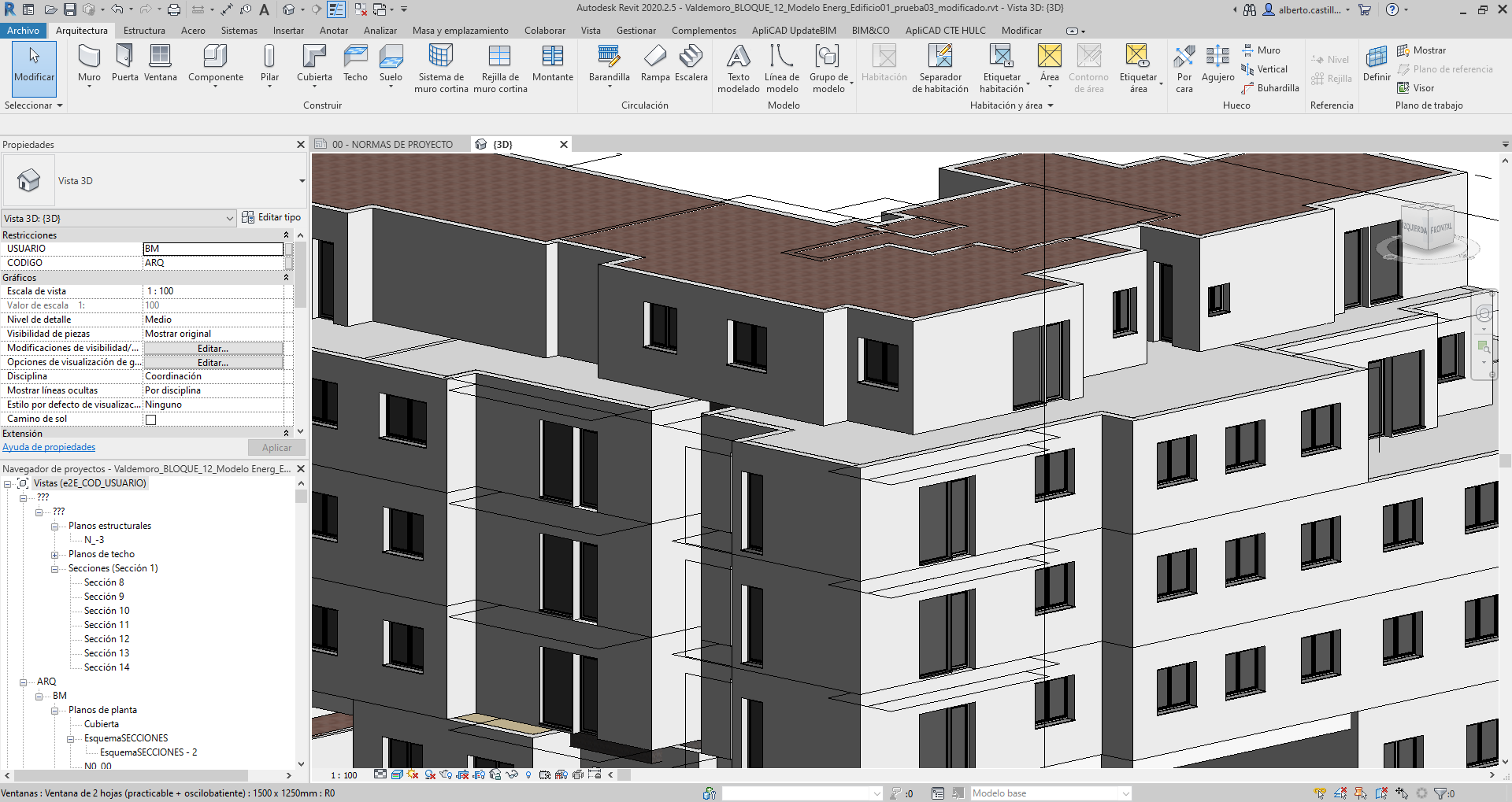
It is installed on Autodesk REVIT and a new menu called ApliCAD CTE appears, which contains the necessary buttons to work with the application.

From the Autodesk REVIT environment it is possible to access the materials database of HULC itself, so that the system is transparent to the user and allows the consultation of the original HULC materials.

The relationship between Autodesk REVIT and HULC materials is performed only once, so that we can have stored in the REVIT template the necessary relationships to work directly with building elements that already have the HULC information.

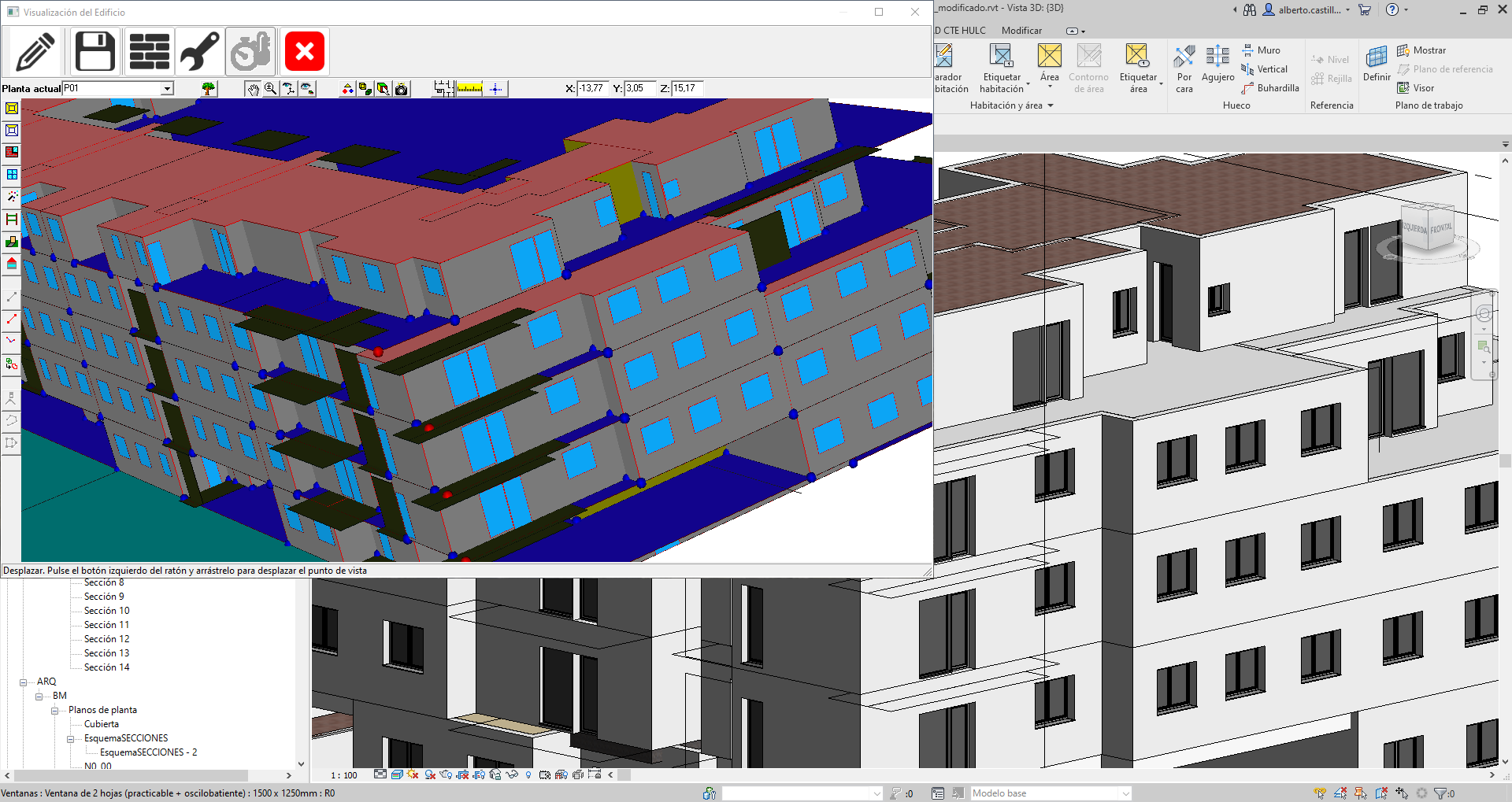
During the export process, the system validates that the geometric information of the architectural model is correct and that it has all the necessary information to perform the analysis in HULC.

The resulting file is a file in HULC’s own format.

It is this file that must be opened with the HULC program.

Training

ApliCAD has agreements with training centers that allow us to have the best tools to obtain the best return on investment in the use of our programs.

ApliCAD Centro Homologado

The approved centers have the latest versions of the programs and are constantly trained by ApliCAD staff.

In ON-LINE Training has reached a collaboration agreement with Espacio BIM, so that ApliCAD has actively participated in the preparation of the content of the e-learning course ApliCAD CTE HULC, from Revit® to LIDER CALENER.

Espacio BIM

In ApliCAD CTE HULC classroom training you can be trained in:

24studio

See prices and license types