Add any type of document to UpdateBIM families

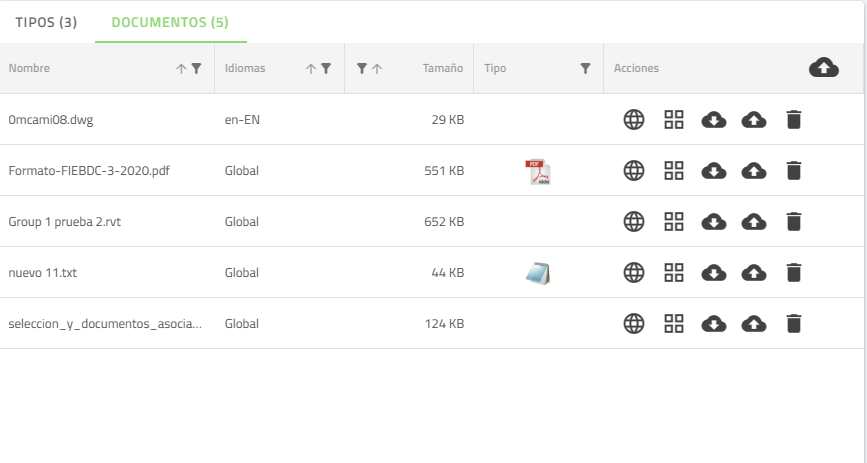
One of the features that make UpdateBIM special, regardless of the version chosen, is the ability to associate any type of document to any Family and Type.

In this way, we can consult the associated documents from the project environment in Revit, or from the web interface of the families.

To be able to associate documents it is not necessary to have Revit, it can be done from the UpdateBIM web interface.
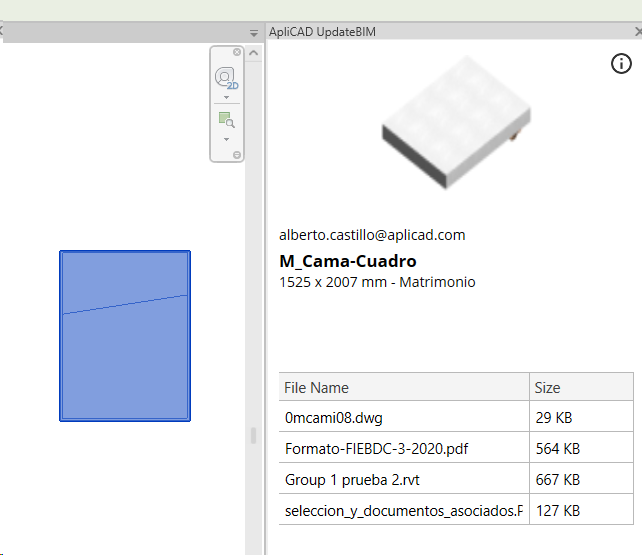
1
2
1

Select an UpdateBIM object in Revit

2

List of associated documents

Query associated information from Revit

Any UpdateBIM user can query the documents associated to the family directly from Revit, so that these documents can be downloaded, or run the application to open them directly.

If the application that allows viewing/editing the type of document is present, we can directly query information associated to the family, including for example DWG, Excel, Word, PDF, etc. files.

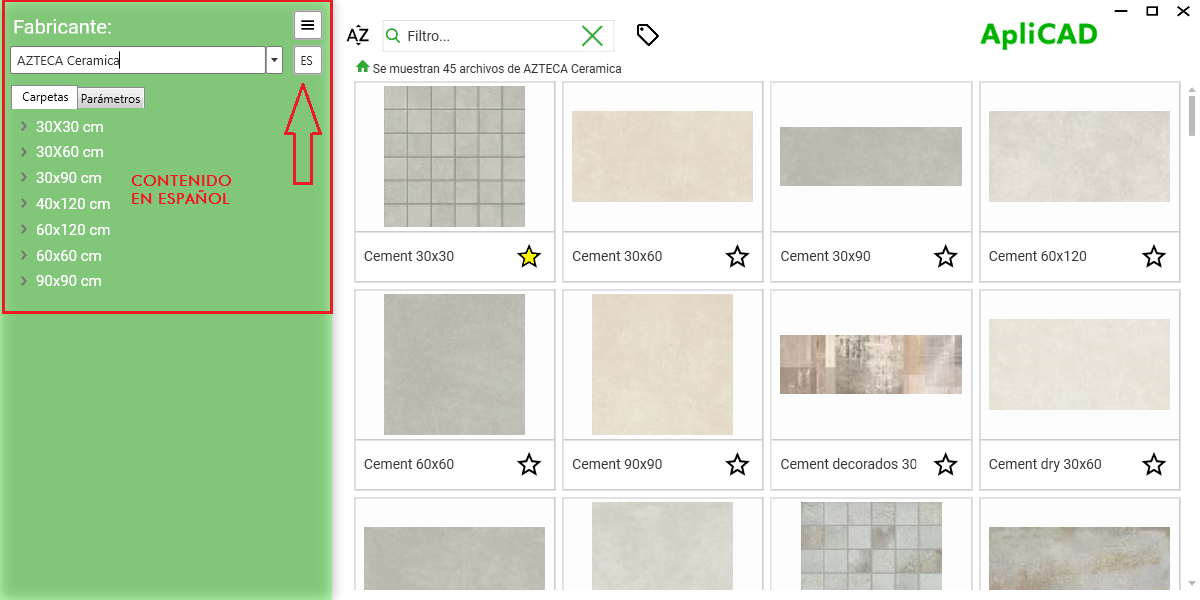
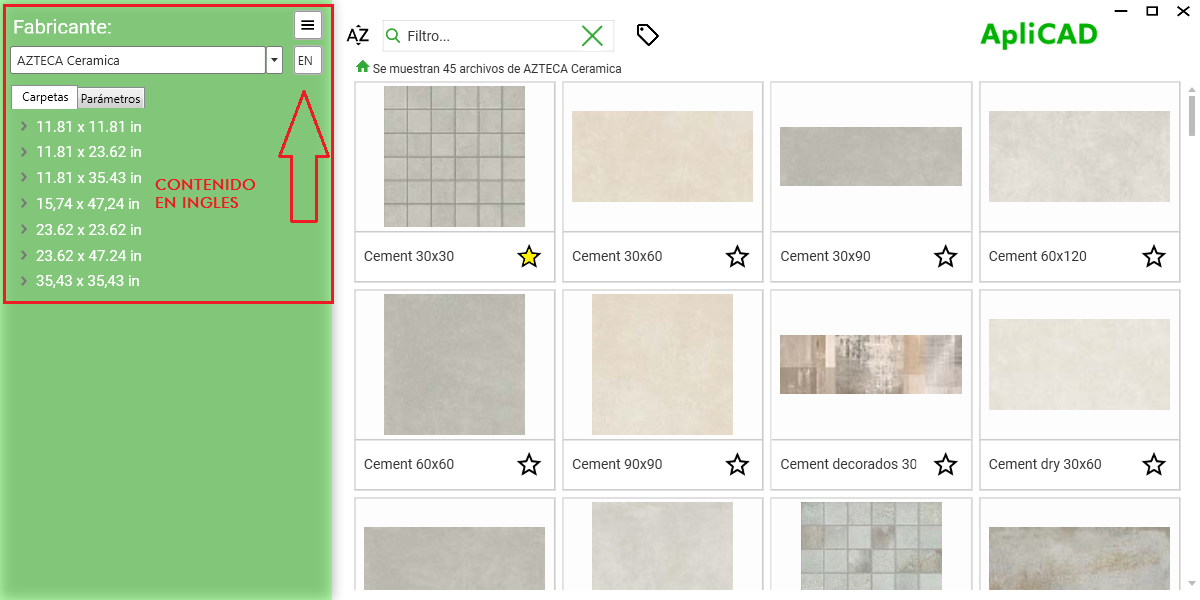
Multilanguage

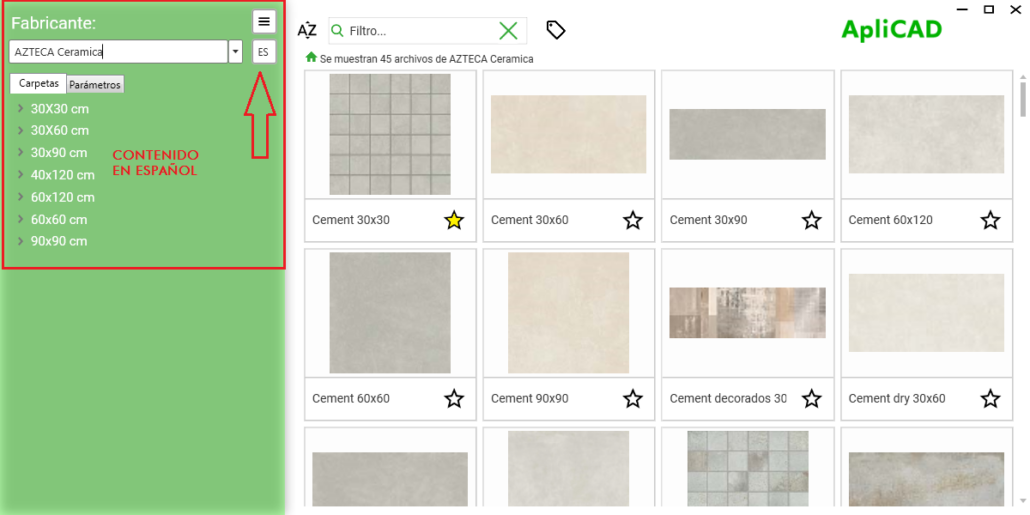
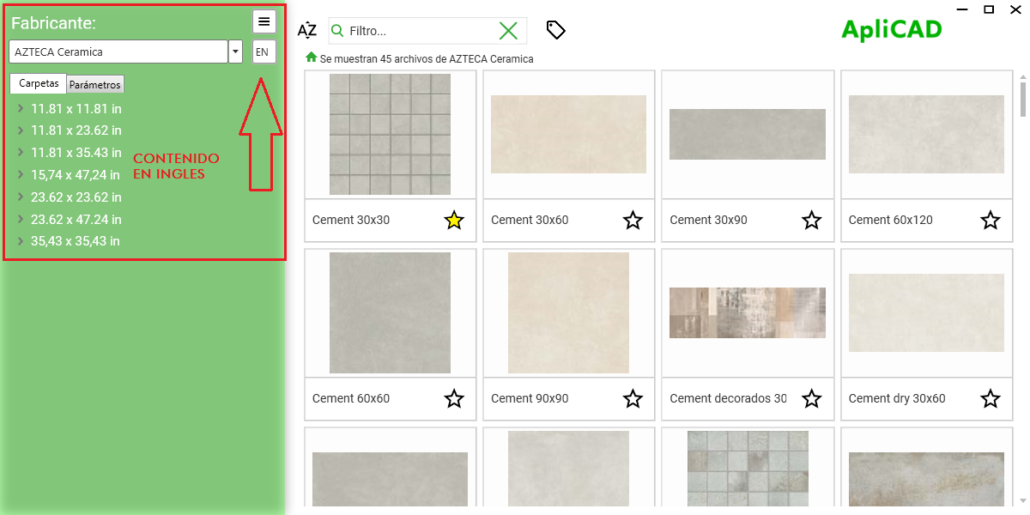
The UpdateBIM interface as a program is available in 6 languages (English, French, German, Italian, Spanish and Portuguese).

On the other hand, the catalog administrator can have his families and documents in one or more languages, therefore, during the assignment of documents to the family and type, by default the document is associated to all the available languages, but we can easily define in which languages each of the documents will be available.

This feature allows us to have our family catalog in for example Spanish, English and French, so that if we have a commercial catalog of the family in the 3 languages, the program will show us as available the catalog in the language that we have configured as the language of use within the Revit project.